

Hello developer,
We are pleased to introduce our Signing Widget, which allows you to seamlessly integrate the signature process into your own website.
Instead of redirecting your users to a separate page, a simple code snippet using an iframe enables you to have documents signed directly within your application. The result: a smooth and controlled user experience.
Learn more in this short video: https://drive.google.com/file/d/1GaUzoNgE0Az6MRXlMJ7_YZwZnavJJh4u/view
For the Fastlane it is necessary that your user plan has been enabled for it.
How the integration works
The example below walks you through the process:
-
Create a Fastlane profile
-
Send a document for signature using the Fastlane
-
Embed via iframe into your system
-
Receive status updates via a callback.
Step 1: Create a Fastlane profile
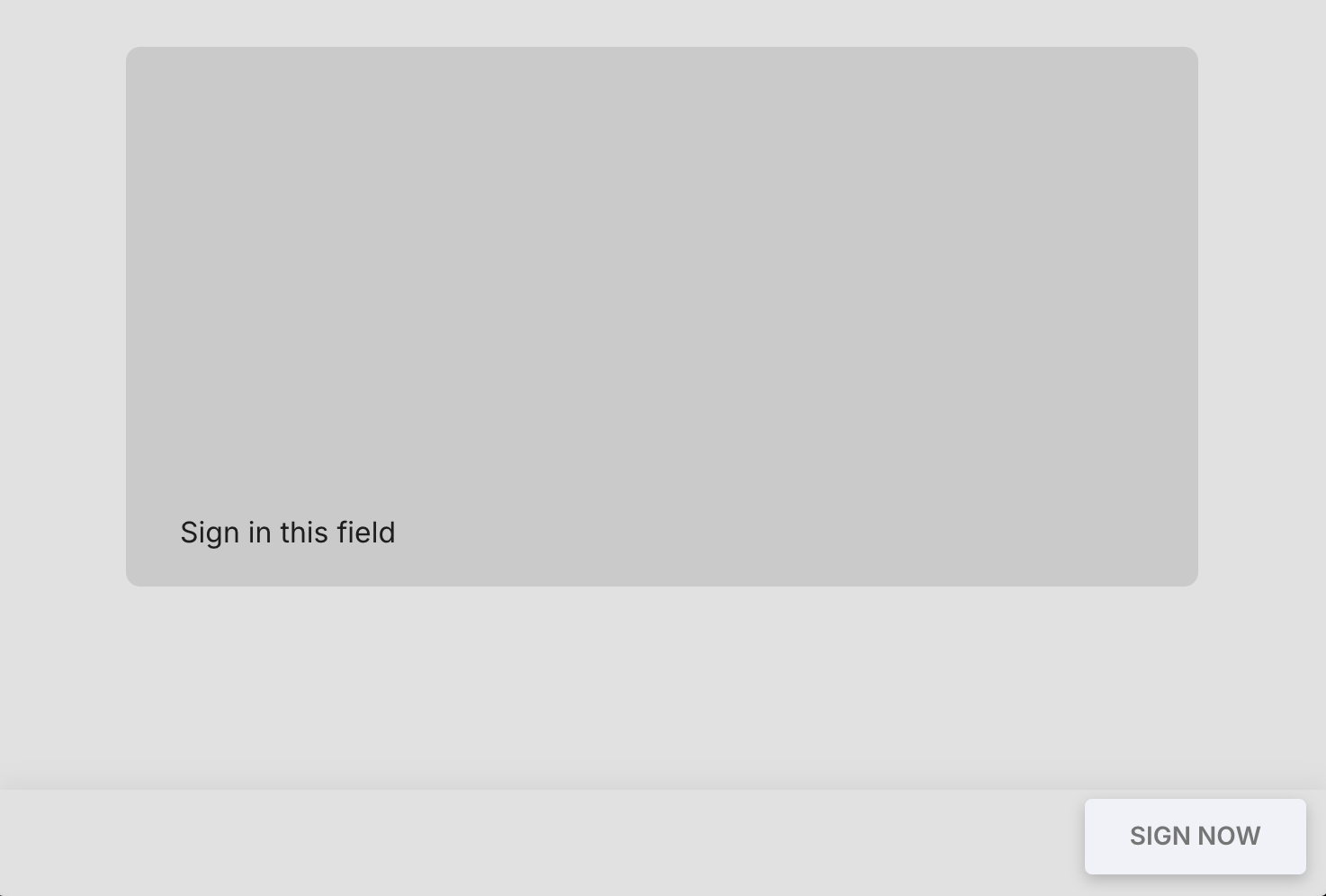
To individually configure the screens displayed during the signing process (welcome, document, provider, sign, end) and other properties, we create a Fastlane profile in this step. In our example we want to show only the sign screen and hide all other screens and additional information (showHeader: false, showProgressBar: false, showAppbar: false, sendEmail: false). The backgroundColor could match the color of your website to best integrate the signing screen into your site.
API call: POST https://sign.sproof.com/api/v1/fastlane?token={{token}}
Documentation: Fastlane Profiles
{
  "name": "Most Minimal Fastlane Profile",
  "screens": {
    "welcome": {
      "enabled": false
      },
    "document": {
        "enabled": false
      },
    "provider": {
      "enabled": false
    },
    "sign": {
        "signOnDisplay": true,
        "previewDocumentButton": false,
        "signatureCard": false
    },
    "end": {
      "enabled": false
    }
  },
  "successEmail": {
    "sendEmail": false
  },
    "backgroundColor": "#e1e1e1",
    "showAppbar": false,
    "showProgressBar": false,
    "showHeader": false
}
The response to this call contains the id of the Fastlane profile (in this example b1f15495-8b48-4317-b279-1afee0d96e6e), which we will need in the next step.
{
    "id": "b1f15495-8b48-4317-b279-1afee0d96e6e",
    "name": "Most Minimal Fastlane Profile",
  // ... additional profile information
}
Step 2: Create signature request with Fastlane profile
Now we create the actual signature request and use the id of the profile from Step 1 to apply the Fastlane profile for the recipients (in our example Max Mustermann). The useFastlane flag must be set to true. For this example we also supply a callbackUrl to receive status updates and a returnUrl to which the user should be returned after signing.
API call: POST https://sign.sproof.com/api/v1/documents/signature
Documentation: Signature Requests
{
  "token": "{{token}}",
  "inviteData": {
    "sender": {
      "email": "{{email}}",
      "firstName": "sproof",
      "lastName": "Sender"
    },
    "recipients": [
      {
        "email": "max.mustermann@sproof.com",
        "firstName": "Max",
        "lastName": "Mustermann"
      }
    ]
  },
  "envelopeData": {
    "documentDataArray": [
      {
        "data": "{{pdf_im_base64_format}}",
        "fileName": "wichtiger_vertrag.pdf",
        "recipientDetails": {
          "max.mustermann@sproof.com": {
            "role": "signer",
            "signaturePositions": [
              {"page": 0, "x": 0.57489, "y": 0.8455, "width": 0.35, "height": 0.1}
            ]
          }
        }
      }
    ],
    "callbackUrl": "https://webhook.site/ihre-eigene-callback-url",
    "returnUrl": "https://deine-website.com/returnurl",
    "useFastlane": true,
    "fastlaneProfileId": "b1f15495-8b48-4317-b279-1afee0d96e6e"
  }
}
-
Replace {{token}} with your API token. -
{{email}} is the sender's email address (must be a member of the same plan). -
{{pdf_im_base64_format}} should contain the Base64-encoded PDF document you want to sign. -
callbacks: Defines the callback URL to which sproof sends status updates. -
returnUrl: The link to which the user is returned after successful completion of the signing process. -
useFastlane: true to invite the recipient via Fastlane. -
fastlaneProfileId:Insert here the Id of the Fastlane profile you created in Step 1.
The response to this call contains, among other things, a member object (= sender) and a members array listing the invited recipient(s). The memberId for our recipient Max Mustermann (in this example 46d4f5fcc35780634cd7ce2c4a85057fc7952007192ad066067ed09bccb89e63788db0) will be used in the next step.
//Example excerpt of the response:
{
    "documents": [
        {
            "id": "4583383b341ec93147f805d528776872d5eda52ba406875370042b026973eef424801f",
            "name": "wichtiger_vertrag",
            "callbackUrl": "https://webhook.site/ihre-eigene-callback-url",
            "returnUrl": "https://deine-website.com/returnurl",
            "returnBtnText": null,
            "state": "pending",
            "fastlaneProfileId": "b1f15495-8b48-4317-b279-1afee0d96e6e",
            "members": [
                {
                    "id": "46d4f5fcc35780634cd7ce2c4a85057fc7952007192ad066067ed09bccb89e63788db0",
                    "documentId": "4583383b341ec93147f805d528776872d5eda52ba406875370042b026973eef424801f",
                    "email": "max.mustermann@sproof.com",
                    "firstName": "Max",
                    "lastName": "Mustermann",
                    "signaturePosition": [
                        {
                            "page": 0,
                            "x": 0.57489,
                            "y": 0.8455,
                            "width": 0.35,
                            "height": 0.1
                        }
                    ],
                    "useFastlane": true
                }
            ],
            "member": {
                "id": "a91cff2e7fff38a2c4ed823612487197ca23c5a0abedd4e9cf515accf255d0b164ad79",
                "documentId": "4583383b341ec93147f805d528776872d5eda52ba406875370042b026973eef424801f",
                "email": "sender@sproof.com",
                "firstName": "sproof",
                "lastName": "Sender",
                "isAdmin": true,
            }
        }
    ]
}
//further response data has been omitted for brevity in this example
Step 3: Create the signature URL and embed it
To start the signing process, the signer must access their individual signature URL.
This can be constructed as follows and then used to open the document:
https://sign.sproof.com/#/fastlane/{memberId}
Insert the memberId of the recipient (in this case Max Mustermann) into {memberId} so that they can sign the document using this link.
You then embed this URL into an <iframe> on your website.
<iframe
  src="https://sign.sproof.com/#/fastlane/46d4f5fcc35780634cd7ce2c4a85057fc7952007192ad066067ed09bccb89e63788db0"
  style="width:100%; height:100%; border:none;"
></iframe>
By embedding the URL, the signer can carry out the signing process directly in your application. After successful completion (you will receive this information via the callback as described in Step 4) the user will be returned to the returnUrl you defined.
Step 4: Receive status updates via callbacks
As soon as an event occurs (e.g. a signature is completed), sproof sends a POST request to the URL you specified in callbackUrl in Step 2.
Example of the callback object - Max Mustermann has signed:
{
  "name": "wichtiger_vertrag",
  "id": "8925b941ea322b82a246a19c6f5d29d3ee457a83cb679eaa008c2c7707a574a8cd1937",
  "language": "de",
  "updatedAt": "2025-07-23T14:03:02.854Z",
  "createdAt": "2025-07-23T14:02:41.082Z",
  "signaturesTypes": [],
  "callbackUrl": "https://webhook.site/ihre-eigene-callback-url",
  "returnUrl": "https://deine-website.com/returnurl",
  "returnBtnText": null,
  "inPersonSigning": false,
  "signingRound": 1,
  "member": {
    "id": "a91cff2e7fff38a2c4ed823612487197ca23c5a0abedd4e9cf515accf255d0b164ad79",
    "email": "sender@sproof.com",
    "firstName": "sproof",
    "lastName": "Sender",
    "lastActivityAt": "2025-07-23T14:02:41.091Z",
    "createdAt": "2025-07-23T14:02:41.091Z",
    "signed": false,
    "isAdmin": true,
    "isSigner": false,
    "signaturePosition": [],
    "signedAt": null,
    "signingOrder": 1,
    "declinedAt": null,
    "signatures": []
  },
  "boxes": [],
  "members": [
    {
      "id": "46d4f5fcc35780634cd7ce2c4a85057fc7952007192ad066067ed09bccb89e63788db0",
      "isSigner": true,
      "email": "max.mustermann@sproof.com",
      "firstName": "Max",
      "lastName": "Mustermann",
      "isAdmin": false,
      "signedAt": "2025-07-23T14:03:02.657Z",
      "declinedAt": null,
      "signingOrder": 1,
      "signaturePosition": null,
      "signed": true,
      "signatures": [
        {
          "signatureType": "aes_sproof",
          "signedAt": "2025-07-23T14:03:02.657Z"
        }
      ]
    }
  ],
  "allSignersSigned": true,
  "allMembersSigned": false
}
Important note: In case of a failure a retry mechanism is implemented to ensure the request is attempted again.
5. Download the signed document
Using the memberId of the sender (http://member.id) which you receive in the callback object, you can download the signed document as a binary PDF or as a Base64-encoded file.
Endpoint: GET https://sign.sproof.com/api/v1/documents/download/{{memberId}}?token={{token}}
-
Replace
{{memberId}}with the id of the sender (sender@sproof.com) that you received in the callback undermember.id(a91cff2e7fff38a2c4ed823612487197ca23c5a0abedd4e9cf515accf255d0b164ad79in this example). -
Replace
{{token}}again with your API token.
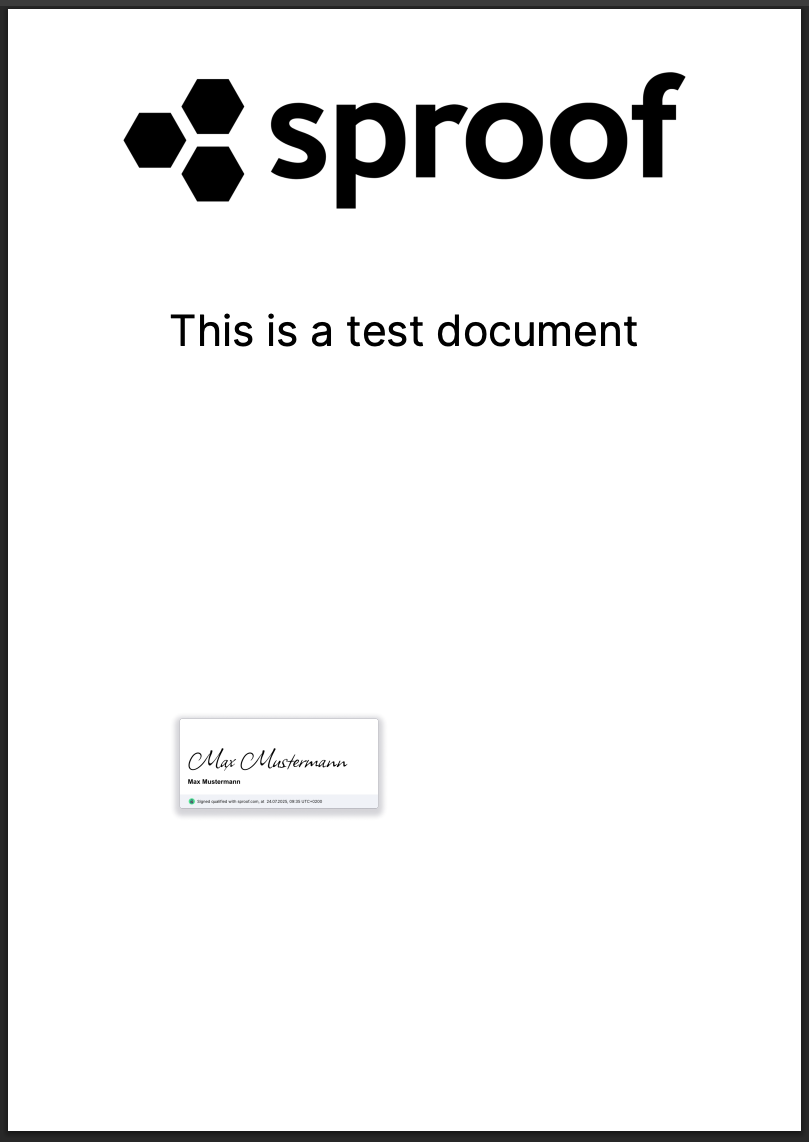
We hope this example helps you get started with your integration!
If you have any questions, we are happy to assist you.